
Draft. This manual is new and still growing. If something here does not match what you see in the software, the software is right — tell us and we will fix the page.
Geometry primitives
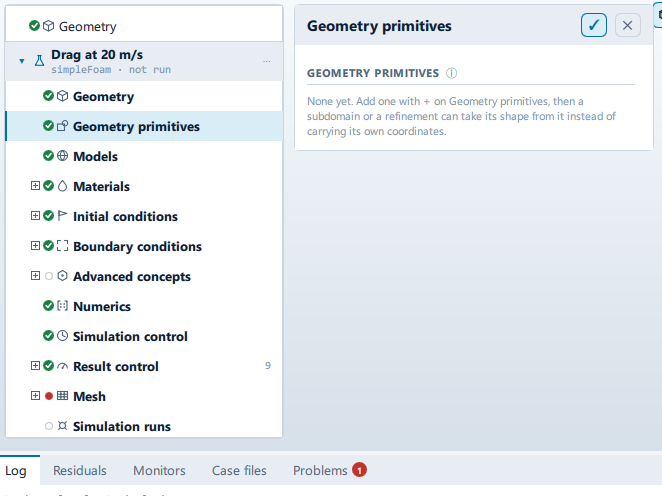
Where it is
Setup tree: Geometry primitives
Controls
Ungrouped
Name
- Control: value (
ValueField) - Bound to:
CaseState.geometryPrimitives - Shown when:
root.selected >= 0
Type
- Control: choice (
ComboRow) - Bound to:
CaseState.geometryPrimitives - Options:
Cartesian box,Sphere,Cylinder,Point(fromCaseState.primitiveKinds) - Shown when:
root.selected >= 0
Axis
- Control: choice (
ComboRow) - Bound to:
CaseState.geometryPrimitives - Options:
x,y,z - Shown when:
root.selected >= 0 && root.kindOf === "Cylinder"
Which way the height runs.
Delete this primitive
Label changes with the case; the source gives these forms: Delete this primitive, Delete anyway - something points at it.
- Control: action (
ToolButton2) - Shown when:
root.selected >= 0
Problems reported against this step
The application reports no problems against this step.
… marks a value the application computes at run time, so the source carries no fixed text for it.