
Draft. This manual is new and still growing. If something here does not match what you see in the software, the software is right — tell us and we will fix the page.
Restraints
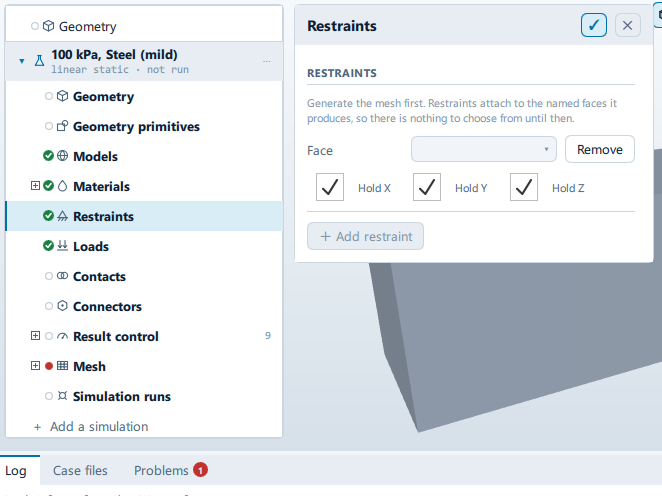
Where it is
Setup tree: Restraints
Controls
RESTRAINTS
+ Add restraint
- Control: action (
ToolButton2)
Conditional and repeated groups
Per item in StructuralState.restraints
repeated once for every entry in StructuralState.restraints
Face
Label changes with the case; the source gives these forms: Face, Group.
- Control: choice (
ComboRow)
Remove
- Control: action (
ToolButton2)
Lists this panel shows
Read straight from the data behind the panel, not from a hand-written list.
RESTRAINTS
From a fixed list in the application.
- fixX — X
- fixY — Y
- fixZ — Z
Problems reported against this step
The application reports no problems against this step.
… marks a value the application computes at run time, so the source carries no fixed text for it.